
Most American offices spend more on printing supplies each year than they realize, with some reports suggesting that printing costs can account for up to 3 percent of annual business expenses. Even a small adjustment to how you purchase ink, manage printers, or choose paper can translate into serious savings. This guide reveals practical, proven ways to trim daily costs and maximize every dollar spent on printing, whether you run a small firm or oversee a large team.
| Takeaway | Explanation |
|---|---|
| 1. Use High-Yield Cartridges | High-yield cartridges reduce cost per page and enhance printing efficiency by allowing more prints per cartridge. |
| 2. Print in Draft Mode | Choosing draft mode can save up to 50% on ink usage for non-critical documents without lowering their readability. |
| 3. Enable Duplex Printing Default | Setting printers to duplex mode can cut paper use nearly in half, helping save costs and protect the environment. |
| 4. Consider Compatible Cartridges | Compatible or remanufactured cartridges can save 30-50% on printing costs while delivering comparable quality to original brands. |
| 5. Go Paperless When Possible | Transitioning to digital processes can significantly lower printing expenses and reduce physical storage needs. |
Buying high-yield ink and toner cartridges represents one of the smartest cost saving strategies for offices looking to reduce printing expenses. These specialized cartridges contain significantly more ink or toner compared to standard models, allowing businesses to print substantially more pages before requiring a replacement.
Traditionally, standard cartridges might provide around 500 pages per cartridge, while high-yield options can deliver 2000 to 3000 pages. This means offices can potentially reduce their cartridge replacement frequency by 300 to 500 percent. The math is simple: fewer cartridge purchases equal lower overall printing costs.
When shopping for high-yield cartridges, smart buyers should compare the cost per page rather than just the upfront cartridge price. For instance, HP 37Y Black Extra High Yield Original LaserJet Toner represents an excellent example of a cost-effective printing solution that can dramatically reduce per-page expenses.
Key Benefits of High-Yield Cartridges:
Pro tip: Always calculate the total cost of ownership. A slightly more expensive high-yield cartridge could save significant money in the long run by reducing overall printing expenses and minimizing supply management time.
Draft mode printing represents a simple yet powerful strategy for offices looking to reduce ink consumption and minimize printing expenses. By selecting this lower resolution printing option, businesses can dramatically decrease their ink usage without sacrificing overall document utility.
Canon recommends draft mode printing as an effective method for conserving printer resources. This printing setting intentionally reduces ink density, creating lighter text and graphics that consume significantly less ink compared to standard print modes.
When to Use Draft Mode:
Key Benefits of Draft Mode:
Pro tip: Most printer settings include a draft or economy mode accessible through print dialog boxes. Always preview your document to ensure readability before finalizing the print job. Not all documents are suitable for draft mode printing, so use discretion based on the document’s intended purpose and audience.
Duplex printing represents a powerful strategy for offices seeking to reduce paper consumption and minimize printing expenses. By automatically printing on both sides of each page, businesses can cut their paper usage almost in half while maintaining professional document quality.
Canon recommends duplex printing as an effective method for conserving resources. Modern printers like the Lexmark B3340dw Single Function Monochrome Duplex Laser Printer come with built-in duplex printing capabilities that make implementing this cost saving technique seamless.
Benefits of Duplex Printing:
How to Enable Duplex Printing:
Pro tip: While duplex printing works wonderfully for most documents, avoid using it for materials requiring single side printing such as business cards, labels, or glossy presentation materials.
Buying compatible or remanufactured printer cartridges offers a smart approach for offices seeking significant cost savings without compromising print quality. These alternatives to original manufacturer cartridges can reduce printing expenses by up to 50 percent while maintaining reliable performance.
Sustainability experts confirm that remanufactured toner cartridges undergo rigorous testing to ensure they meet or exceed original equipment manufacturer standards. Companies like HP offer original cartridge options for those preferring brand specific solutions, but compatible alternatives provide compelling economic benefits.
Benefits of Compatible Cartridges:
Purchasing Considerations:
Pro tip: Always purchase compatible cartridges from authorized resellers to ensure quality and prevent potential printer warranty issues.
Regular printer maintenance is the secret weapon for offices looking to maximize equipment longevity and minimize unexpected repair costs. A well maintained printer can significantly extend its operational life while ensuring consistent print quality and performance.
Canon recommends proactive printer maintenance as a critical strategy for preventing performance issues. Modern printers like the Lexmark MX431adw Multifunction Monochrome Duplex Laser Printer are designed for reliability, but still require consistent care to function optimally.
Essential Maintenance Practices:
Recommended Maintenance Schedule:
Pro tip: Create a maintenance calendar and assign responsibility to a specific team member to ensure these tasks are not overlooked. Consistent care can help prevent costly breakdowns and extend your printer’s functional life.
Going paperless represents a powerful strategy for modern offices to simultaneously reduce printing costs and minimize environmental impact. By transitioning from paper based processes to digital workflows, businesses can dramatically cut expenses while supporting sustainable practices.
Sustainability experts highlight significant resource conservation through digital document management. Canon confirms that digital formats can substantially reduce printing waste when organizations implement strategic document management approaches.
Digital Transformation Strategies:
Benefits of Going Paperless:
Pro tip: Start with low risk departments like accounting or marketing to pilot paperless processes before implementing organization wide digital transformation strategies.
Savvy offices can significantly reduce printing expenses by strategically timing their supply purchases and leveraging bulk purchasing opportunities. Understanding how to optimize procurement can translate into substantial cost savings throughout the fiscal year.
Bulk purchasing allows businesses to reduce per unit costs for printer supplies, with potential savings ranging from 10 to 30 percent compared to standard retail pricing. Seasonal promotions frequently offer additional discounts during specific periods like back to school season, end of fiscal quarters, and holiday sales events.
Strategic Purchasing Approaches:
Best Times to Purchase Printing Supplies:
Pro tip: Create a dedicated procurement calendar that tracks potential discount opportunities and aligns purchasing strategies with organizational budget cycles to maximize potential savings.
Below is a comprehensive table summarizing strategies to reduce office printing costs discussed throughout the article.
| Strategy | Implementation | Expected Results |
|---|---|---|
| Choose High-Yield Cartridges | Use cartridges that offer higher page yields. Compare cost per page rather than upfront price. | Lower printing costs, reduced cartridge replacement frequency. |
| Print in Draft Mode | Activate draft mode for non-critical documents like meeting notes or internal emails. | Decreased ink consumption, extended cartridge life. |
| Set Printers to Duplex | Enable default duplex printing to utilize both sides of the paper. | Reduced paper usage and costs, minimized environmental waste. |
| Buy Compatible Cartridges | Purchase compatible or remanufactured cartridges from reputable suppliers. | Lower cartridge costs, support sustainability. |
| Maintain Your Printer | Regular cleaning and maintenance of printer components. | Increased printer longevity, consistent print quality. |
| Go Paperless | Implement digital workflows and electronic documentation. | Reduced physical storage needs, enhanced document security. |
| Bulk and Seasonal Discounts | Purchase supplies in bulk or during sales events. | Significant savings on printing supplies. |
The article highlights common challenges offices face such as high printing costs and frequent cartridge replacements. Key pain points include managing ink consumption, reducing paper waste, and finding affordable, reliable cartridges that do not sacrifice quality. Concepts like high-yield cartridges, compatible toner options, and duplex printing all focus on maximizing value while cutting expenses. If you want to put these tips into action and start saving on your office printing needs, GetToner.ca offers a trusted solution.
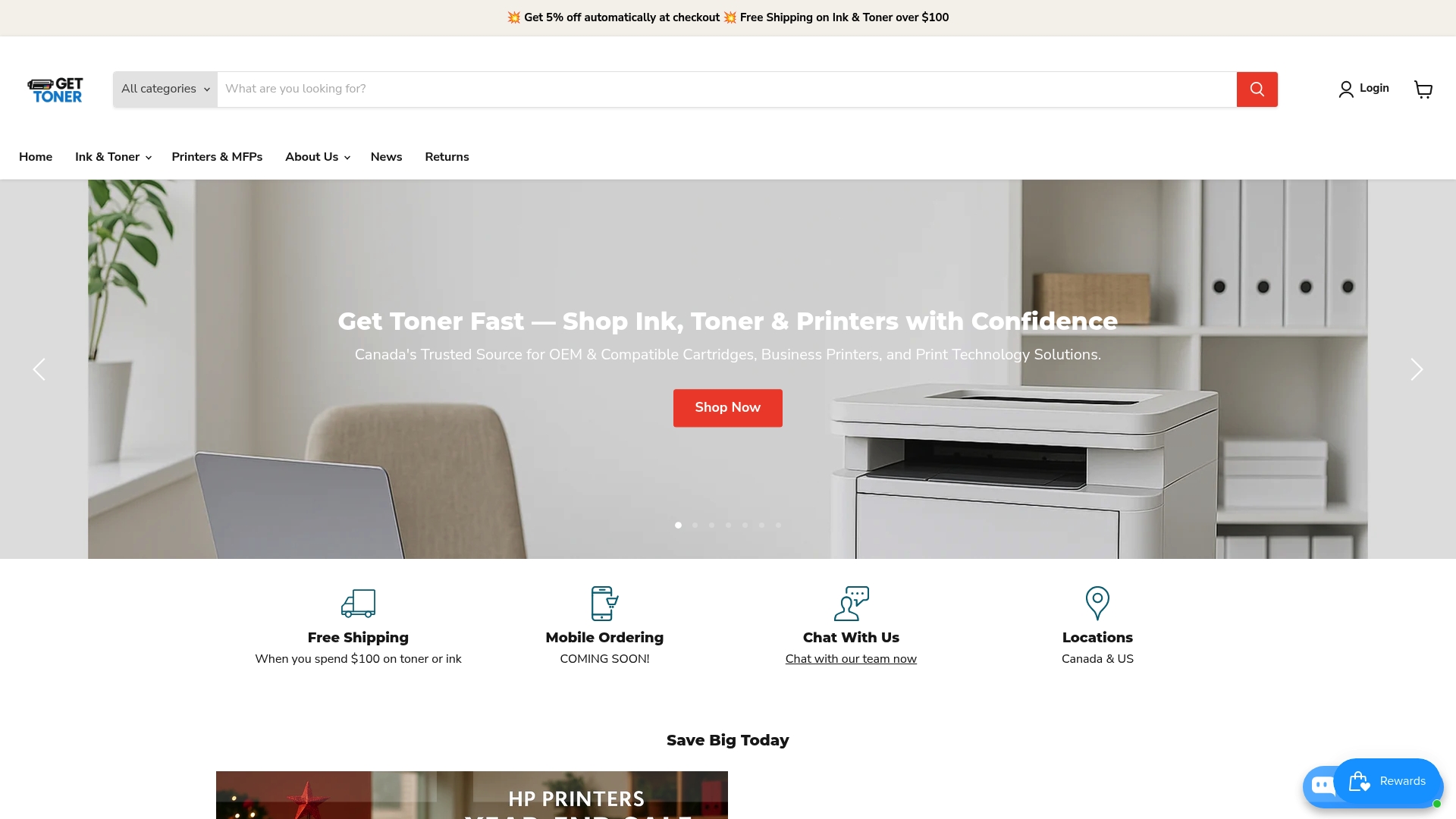
Explore GetToner.ca for competitive prices on OEM and compatible ink and toner cartridges, printers, and multifunction devices designed to reduce your printing expenses every day. Take advantage of free shipping on orders over $100, automatic discounts, and special seasonal promotions made to stretch your budget further now. Act today, visit GetToner.ca, and transform your cost-saving printer strategy into real savings with a one-stop shop for Canadian printing supplies and expert local support.
Using high-yield ink and toner cartridges significantly reduces the cost per printed page and extends the time between replacements. Consider choosing cartridges that offer 2,000 to 3,000 pages to lower overall printing expenses by reducing the frequency of purchases.
Draft mode printing lowers the ink density for documents, reducing ink consumption by up to 50%. Use this setting for internal documents, meeting notes, and preliminary drafts to save money while maintaining readability.
Enabling duplex printing allows your office to print on both sides of a page, cutting paper usage by nearly 50%. Set this option as the default for all print jobs to consistently save on paper and reduce waste.
When purchasing compatible or remanufactured cartridges, ensure they meet quality standards and are compatible with your printer model. Calculate potential savings, as these cartridges can lower printing costs by 30 to 50% compared to original brands.
Regular maintenance can extend your printer’s lifespan and improve print quality. Schedule monthly cleanings, check cartridge levels, and run diagnostic cycles to prevent issues and reduce unexpected repair costs.
Transitioning to paperless operations eliminates printing costs and reduces physical storage needs. Implement digital document management solutions, such as cloud storage or e-signatures, to streamline workflows and save money.